Azure Cosmos DB Connector Guide
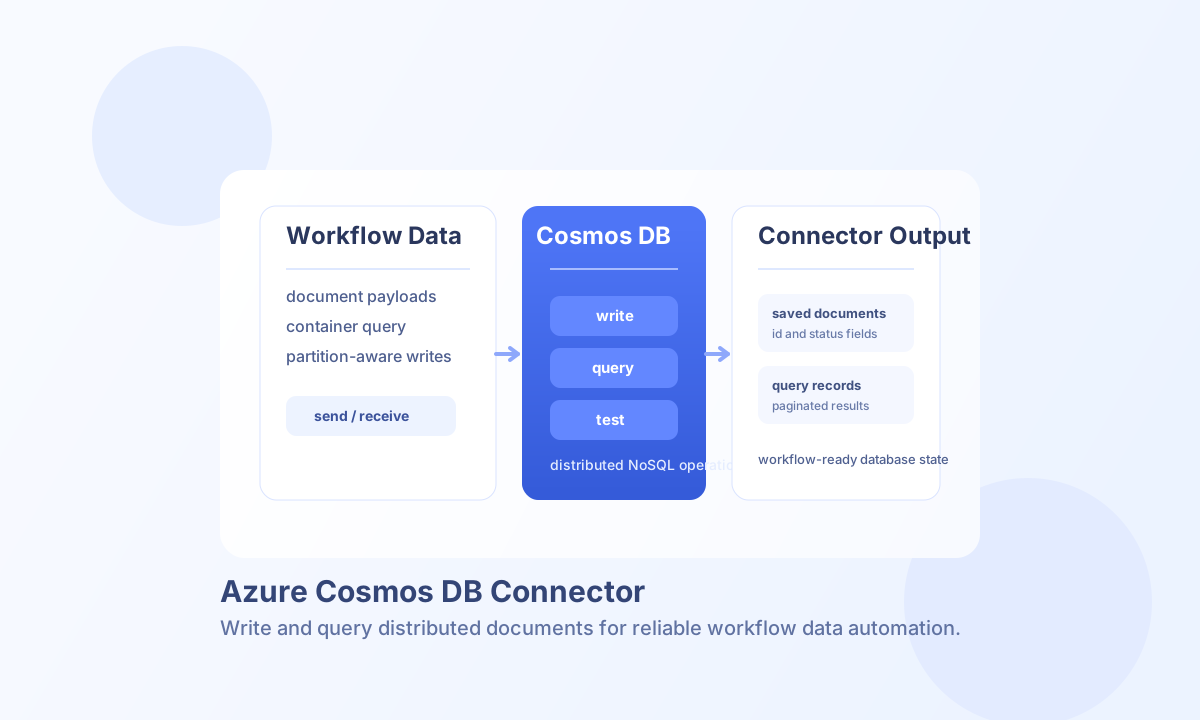
The Azure Cosmos DB connector helps Tealfabric workflows create, read, update, delete, and query documents in Cosmos DB containers using the SQL (Core) REST API. It is useful for event persistence, profile storage, and low-latency operational data workflows that need globally distributed NoSQL access.
Document information
| Field | Value |
|---|---|
| Canonical URL | /docs/04_connecting-systems/connectors/a/azure-cosmos-db |
| Version (published date) | 2026-05-08 |
| Tags | connectors, reference, azure-cosmos-db |
| Connector ID | azure-cosmos-db-1.0.0 |
Configuration
Set these values in the integration profile:
endpoint_url(required): Cosmos DB account endpoint, for examplehttps://myaccount.documents.azure.com:443.access_key(required): Cosmos DB account master key (sensitive).database(required): Target database id.api_type(optional): API model label (sql,mongodb,cassandra,gremlin,table). Defaultsql. Only SQL/Core REST paths are implemented.timeout_seconds(optional): Request timeout in seconds (default30).
Run test during setup to list databases via GET /dbs. The test operation validates required configuration and returns Configuration validation failed when endpoint_url, access_key, or database is missing. Non-test operations do not pre-validate configuration; they attempt the Cosmos DB API call and surface API or network errors.
Create documents with create
Use create to insert a document into a collection (container). Include partition key fields in document when the container is partitioned.
const baseUrl = "https://api.example.com/api/v1";
const tenantId = "<TENANT_ID>";
const apiKey = "<API_KEY>";

async function createOrderDocument(integrationId: string) {
  const response = await fetch(`${baseUrl}/integrations/${encodeURIComponent(integrationId)}/execute`, {
    method: "POST",
    headers: {
      "X-API-Key": apiKey,
      "X-Tenant-ID": tenantId,
      "Content-Type": "application/json",
    },
    body: JSON.stringify({
      operation: "create",
      collection: "orders",
      document: {
        id: "order-1024",
        customer_id: "cust-1024",
        status: "confirmed",
        total_amount: 259.9
      }
    }),
  });
  if (!response.ok) throw new Error(`Request failed: ${response.status}`);
  return response.json();
}
curl -X POST "https://api.example.com/api/v1/integrations/<ENTITY_ID>/execute" \
-H "X-API-Key: <API_KEY>" \
-H "X-Tenant-ID: <TENANT_ID>" \
-H "Content-Type: application/json" \
-d '{
"operation": "create",
"collection": "orders",
"document": {
"id": "order-1024",
"customer_id": "cust-1024",
"status": "confirmed",
"total_amount": 259.9
}
}'
{
  "success": true,
  "document_count": 1,
  "id": "order-1024",
  "data": {
    "id": "order-1024",
    "status": "confirmed"
  }
}
Query documents with query
Use query to run a SQL query against a collection. Keep projections narrow to reduce request unit consumption.
const baseUrl = "https://api.example.com/api/v1";
const tenantId = "<TENANT_ID>";
const apiKey = "<API_KEY>";

async function listConfirmedOrders(integrationId: string) {
  const response = await fetch(`${baseUrl}/integrations/${encodeURIComponent(integrationId)}/execute`, {
    method: "POST",
    headers: {
      "X-API-Key": apiKey,
      "X-Tenant-ID": tenantId,
      "Content-Type": "application/json",
    },
    body: JSON.stringify({
      operation: "query",
      collection: "orders",
      query: "SELECT * FROM c WHERE c.status = 'confirmed'"
    }),
  });
  if (!response.ok) throw new Error(`Request failed: ${response.status}`);
  return response.json();
}
curl -X POST "https://api.example.com/api/v1/integrations/<ENTITY_ID>/execute" \
-H "X-API-Key: <API_KEY>" \
-H "X-Tenant-ID: <TENANT_ID>" \
-H "Content-Type: application/json" \
-d '{
"operation": "query",
"collection": "orders",
"query": "SELECT * FROM c WHERE c.status = '\''confirmed'\''"
}'
{
  "success": true,
  "document_count": 2,
  "documents": [
    {"id": "order-1024", "status": "confirmed"},
    {"id": "order-1025", "status": "confirmed"}
  ],
  "data": {
    "Documents": [
      {"id": "order-1024", "status": "confirmed"},
      {"id": "order-1025", "status": "confirmed"}
    ]
  }
}
Other operations
| Operation | Purpose | Required callData |
|---|---|---|
get | Read one document by id | collection, id |
update | Replace a document | collection, id, document |
delete | Delete a document | collection, id |
test | Validate credentials via GET /dbs | (none) |
Reliability and best practices
Authentication failures usually come from invalid account keys or endpoint mismatches, while request failures often come from collection name errors and malformed query text. Validate target database and collection names before rollout, and use test for pre-deployment checks.
For production stability, monitor throughput usage and implement retry logic for throttling responses. Smaller, targeted queries and predictable partitioning patterns usually improve both latency and cost control.