Connectors Introduction
This section is the connector catalog for Tealfabric. Each connector page explains how to configure one integration, which operations it supports, and how to run it safely in production workflows.
Document information
| Field | Value |
|---|---|
| Canonical URL | /docs/04_connecting-systems/connectors/00_introduction |
| Version (published date) | 2026-05-08 |
| Tags | connectors, integrations, reference |
How to use this catalog
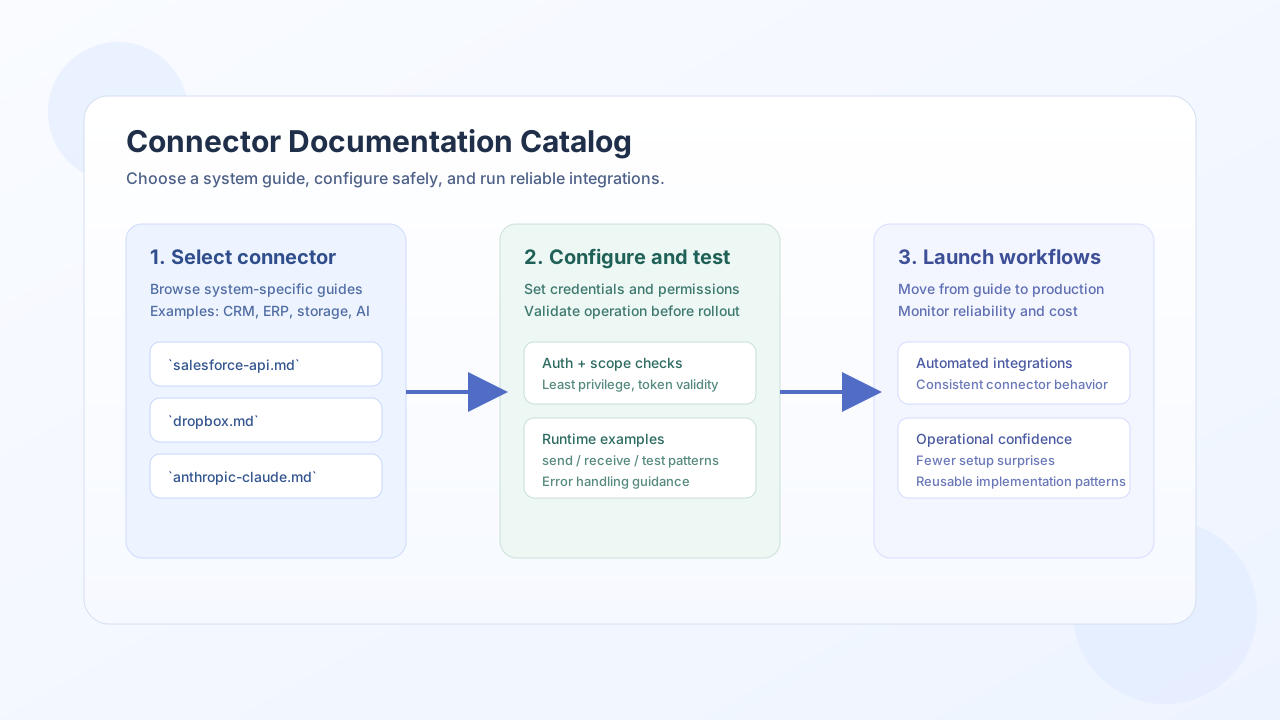
Use this directory when you already know which external system you want to connect to Tealfabric. Each page is system-specific and designed for implementation, so you can move from setup to a working operation without switching between multiple references.
Connector pages are grouped alphabetically (A–Z folders) and map to documentation URLs in the form /docs/04_connecting-systems/connectors/<letter>/<connector-slug>. This keeps the catalog easier to browse and makes direct links predictable for your team.
What each connector page includes
A typical connector guide covers configuration requirements, authentication expectations, and the most common runtime operations such as sending data, receiving data, or validating connectivity. Practical examples are included where the integration benefits from implementation details, so you can adapt patterns to your own workflows quickly.
The pages are written to support production usage, including guidance on error handling, retries, and scope or permission setup where relevant. This helps teams avoid common rollout issues and maintain stable automations over time.
Choosing a connector by response format
If you know the external API returns XML, SOAP, or another non-JSON format but you are not sure which connector to configure, start with Choosing connectors for XML and other response formats. That page covers SOAP, Generic REST API, XML File, and vendor-specific XML passthrough — without treating one ERP connector as the default for every XML endpoint.
Related documentation
For platform-level concepts like integration architecture and shared workflow patterns, start with Connecting systems overview. For step-level execution patterns that call connectors directly, continue with Writing step code.
Together, these references provide a full path from high-level design to connector-specific implementation.