Writing Step Code
Document information
- Canonical URL:
/docs/03_writing-step-code/00_introduction - Version:
2026-06-17 - Tags:
processflow,code,snippets
This section helps you write reliable logic inside ProcessFlow steps, from simple data transformations to cross-system orchestration. It is designed for implementation-focused users who need practical patterns they can adapt quickly without guessing platform behavior. As you work through these guides, you will see how to keep outputs predictable, tenant-safe, and easier to debug.
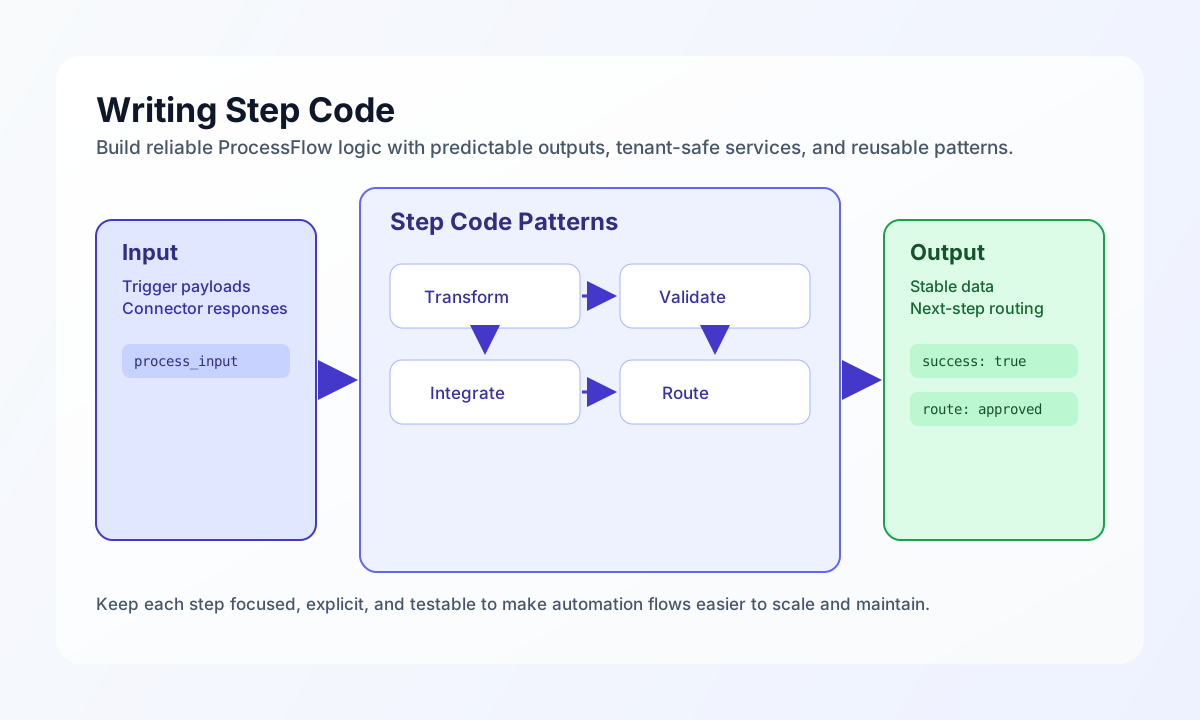
What you will find in this section
The guides in this section focus on common implementation tasks such as array handling, text processing, date logic, validation, notifications, connector calls, webhooks, and tenant database usage. Each page is intentionally scoped to a practical problem so you can copy the approach into a step and adapt it to your workflow context. This structure helps teams move from concept to working snippet with less trial and error.
In addition to data and control-flow topics, this section also covers process-to-process communication, file operations, email and MIME handling, and LLM-assisted workflows. These patterns are especially useful when your automations coordinate multiple systems or require structured output contracts between steps. Together, they form a reference path for building modular and maintainable ProcessFlow logic.
Before you start writing code
Before implementing or modifying step code, make sure you understand ProcessFlow execution constraints and sandbox behavior in your environment. This includes allowed services, sandbox capabilities, runtime limits, and tenant-scoped security boundaries that affect file, API, and data access decisions. The Process sandbox tf API reference is the primary map of JavaScript/TypeScript step helpers.
See also
- Process sandbox
tfAPI reference - Automations and ProcessFlow Introduction
- Connecting Systems Introduction
- Security, Privacy, and Compliance Introduction
Strong step code is usually small, explicit, and easy to test in isolation. If you keep each step focused on one clear responsibility, your workflows scale more smoothly and are easier for teams to maintain over time.