SFTP Connector Guide
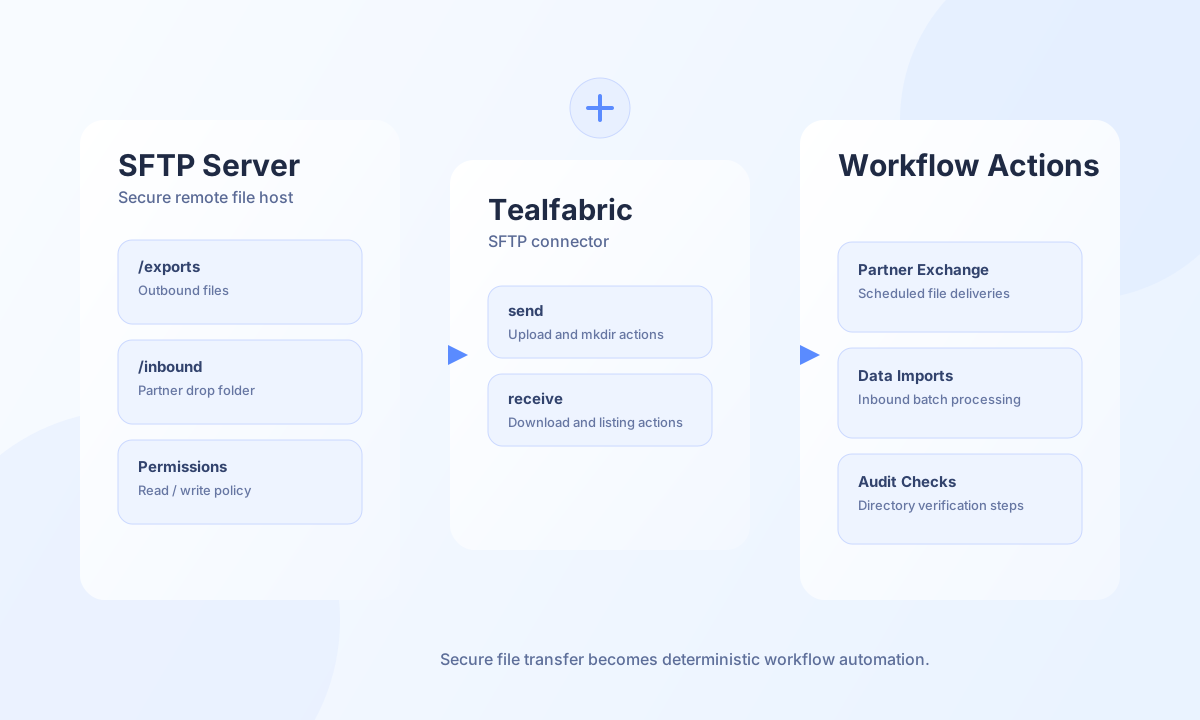
The SFTP connector helps Tealfabric workflows move files securely between your systems and remote SFTP servers. It is designed for document exchange, batch imports, outbound reports, and partner handoffs where file integrity and path control are critical.
Document information
| Field | Value |
|---|---|
| Canonical URL | /docs/04_connecting-systems/connectors/s/sftp |
| Version (published date) | 2026-05-08 |
| Tags | connectors, reference, sftp |
| Connector ID | sftp-1.0.0 |
Configuration and prerequisites
Before enabling this connector, confirm network access to the SFTP host and validate credentials in a non-production directory. Authentication can be key-based or password-based depending on your server policy. Use stable absolute remote paths to reduce deployment drift across environments.
host(required): SFTP host name or IP.username(required): SFTP account name.private_key(required): Private key PEM content, filesystem path to a key file, or password when the server uses password authentication.port(optional): Default22.certificate(optional): Legacy public-key companion file when your integration stores public and private keys separately. The native runtime authenticates from private key material viassh2; keep a standard OpenSSH private key PEM when possible.remote_path(optional): Default remote directory, default/.timeout_seconds(optional): Default30.
The test operation validates required configuration and returns Configuration validation failed when host, username, or private_key is missing. Other operations connect directly and surface server-side errors when credentials are incomplete.
Upload files with send
Use send for uploading files. Provide either local_path (read on the connector host when the file exists) or inline file_content / content (UTF-8 or base64). Set remote_path / destination for the target directory and filename / name for the remote file name.
const response = await fetch(`${baseUrl}/integrations/${integrationId}/execute`, {
  method: "POST",
  headers: {
    "X-API-Key": apiKey,
    "X-Tenant-ID": tenantId,
    "Content-Type": "application/json",
  },
  body: JSON.stringify({
    operation: "send",
    remote_path: "/exports/2026-05-08",
    filename: "settlement.csv",
    file_content: base64File,
  }),
});
const payload = await response.json();
// payload.success === true
// payload.data.remote_path, payload.data.bytes_written, payload.data.message_count
{
"success": true,
"data": {
"message_count": 1,
"remote_path": "/exports/2026-05-08/settlement.csv",
"bytes_written": 2048
}
}
Download or list files with receive
Use receive to fetch a single file (base64 content in each entry) or to list files in a directory. Directory listings honor pattern / filter globs (* and ?).
const response = await fetch(`${baseUrl}/integrations/${integrationId}/execute`, {
  method: "POST",
  headers: {
    "X-API-Key": apiKey,
    "X-Tenant-ID": tenantId,
    "Content-Type": "application/json",
  },
  body: JSON.stringify({
    operation: "receive",
    remote_path: "/inbound",
    pattern: "*.pdf",
  }),
});
const payload = await response.json();
// payload.data.data — file entries; payload.data.message_count
{
"success": true,
"data": {
"message_count": 1,
"data": [
{
"name": "invoice-1042.pdf",
"path": "/inbound/invoice-1042.pdf",
"size": 98341
}
],
"total_size": 1
}
}
sync, batch, and test
sync: optionaloutbound(send payload) and/orinbound(receive payload) legs; empty legs are skipped (PHPempty()semantics).batch: sequentialsend/receiveitems viaoperationsoritems; eachresults[]entry uses a legacy-flatresultobject (success,message_count, …).test: connects, reads the working directory, and returnsdata.messageplusdata.details.host/port/current_directory.
{
  "success": true,
  "data": {
    "message": "SFTP connection test successful",
    "details": {
      "host": "sftp.example.com",
      "port": 22,
      "current_directory": "/home/partner"
    }
  }
}
Reliability guidance
Most SFTP failures come from path mismatches, authentication drift, or directory permission issues. Run test before production cutover, use retries with backoff for transient network errors, and verify file presence with receive list operations before downloading. These controls make file exchange workflows safer and easier to operate.