Segment connector guide
Document information
- Canonical URL:
/docs/04_connecting-systems/connectors/s/segment - Version:
2026-06-17 - Tags:
connectors,reference,segment
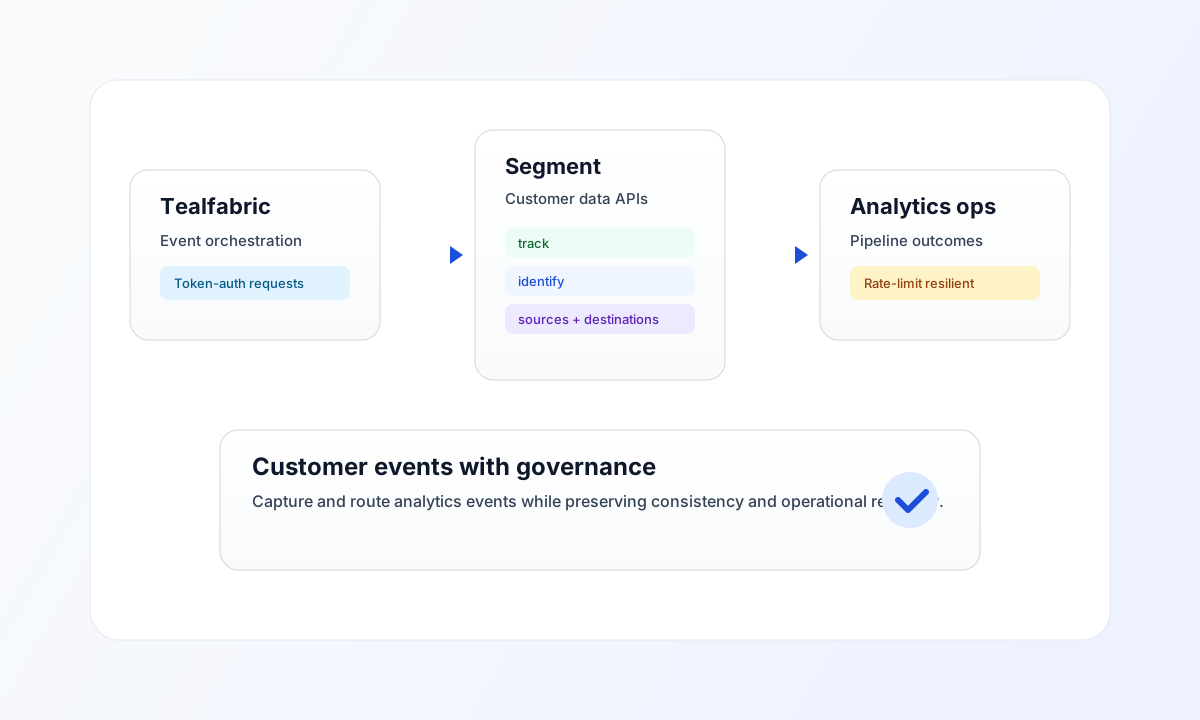
Use this connector to integrate Tealfabric workflows with Segment for customer-event ingestion and workspace resource queries. It supports HTTP Basic authentication (write key or access token as the username with an empty password) and common Segment actions such as track, identify, and management lookups.
Connector configuration
Use connector ID segment-1.0.0 and configure token in integration settings. The token can be a write key or access token depending on your Segment API usage model, and it should be treated as a secret.
The default base URL https://api.segment.io/v1 is correct for most use cases. Keep timeout_seconds aligned with expected event throughput and downstream dependencies to reduce avoidable failures.
Common Segment patterns
Use send for event and identity operations such as track, identify, and group. Use receive for management-level queries like listing sources or destinations when you need configuration-aware automation logic.
For high-volume pipelines, use the batch operation to POST multiple events via Segment's /batch endpoint. The connector applies a client-side rate limit of 100 requests per minute.
Code examples
The examples below show aligned patterns for sending a Segment track event and listing sources through connector execution requests.
const baseUrl = "https://api.example.com/api/v1";
const tenantId = "<TENANT_ID>";
const apiKey = "<API_KEY>";

type SendResult = {
  success?: boolean;
  data?: { message_count?: number; data?: unknown; response?: unknown };
};

async function trackSegmentEvent(integrationId: string): Promise<SendResult> {
  const response = await fetch(`${baseUrl}/integrations/${encodeURIComponent(integrationId)}/execute`, {
    method: "POST",
    headers: {
      "X-API-Key": apiKey,
      "X-Tenant-ID": tenantId,
      "Content-Type": "application/json",
    },
    body: JSON.stringify({
      operation: "send",
      endpoint: "track",
      data: {
        userId: "usr_12345",
        event: "Checkout Completed",
        properties: {
          order_id: "ord_98765",
          total: 149.99,
          currency: "USD",
        },
      },
    }),
  });
  if (!response.ok) throw new Error(`Request failed: ${response.status}`);
  return (await response.json()) as SendResult;
}
API request examples
Send a track event
curl -X POST "https://api.example.com/api/v1/integrations/<ENTITY_ID>/execute" \
  -H "X-API-Key: <API_KEY>" \
  -H "X-Tenant-ID: <TENANT_ID>" \
  -H "Content-Type: application/json" \
  -d '{
    "operation": "send",
    "endpoint": "track",
    "data": {
      "userId": "usr_12345",
      "event": "Checkout Completed",
      "properties": {
        "order_id": "ord_98765",
        "total": 149.99,
        "currency": "USD"
      }
    }
  }'
{
  "success": true,
  "data": {
    "message_count": 1,
    "data": { "success": true },
    "response": { "success": true }
  }
}
Receive sources
curl -X POST "https://api.example.com/api/v1/integrations/<ENTITY_ID>/execute" \
  -H "X-API-Key: <API_KEY>" \
  -H "X-Tenant-ID: <TENANT_ID>" \
  -H "Content-Type: application/json" \
  -d '{
    "operation": "receive",
    "endpoint": "sources"
  }'
{
  "success": true,
  "data": {
    "message_count": 2,
    "data": [
      { "id": "src_abc", "name": "Web App" },
      { "id": "src_def", "name": "Mobile App" }
    ],
    "total_size": 2
  }
}
Test connection
The test operation POSTs a synthetic track event to validate the write key.
{
  "success": true,
  "data": {
    "message": "Segment connection test successful",
    "details": { "api_base_url": "https://api.segment.io/v1" },
    "response": { "success": true }
  }
}
Reliability and troubleshooting
If requests fail with 401 or 403, verify the token type, scope, and rotation status in Segment settings. If rate-limit responses appear, reduce burst traffic and add exponential backoff retries instead of immediate replays.
For workload-heavy event pipelines, run delivery tasks asynchronously and monitor completion state to avoid blocking user-facing flows. Continue with Integration workers guide and OAuth2 authentication guide for broader runtime and auth guidance.