Globalscape EFT connector guide
Document information
- Canonical URL:
/docs/04_connecting-systems/connectors/g/globalscape-eft - Version:
2026-05-08 - Tags:
connectors,reference,globalscape-eft - Connector ID:
globalscape-eft-1.0.0
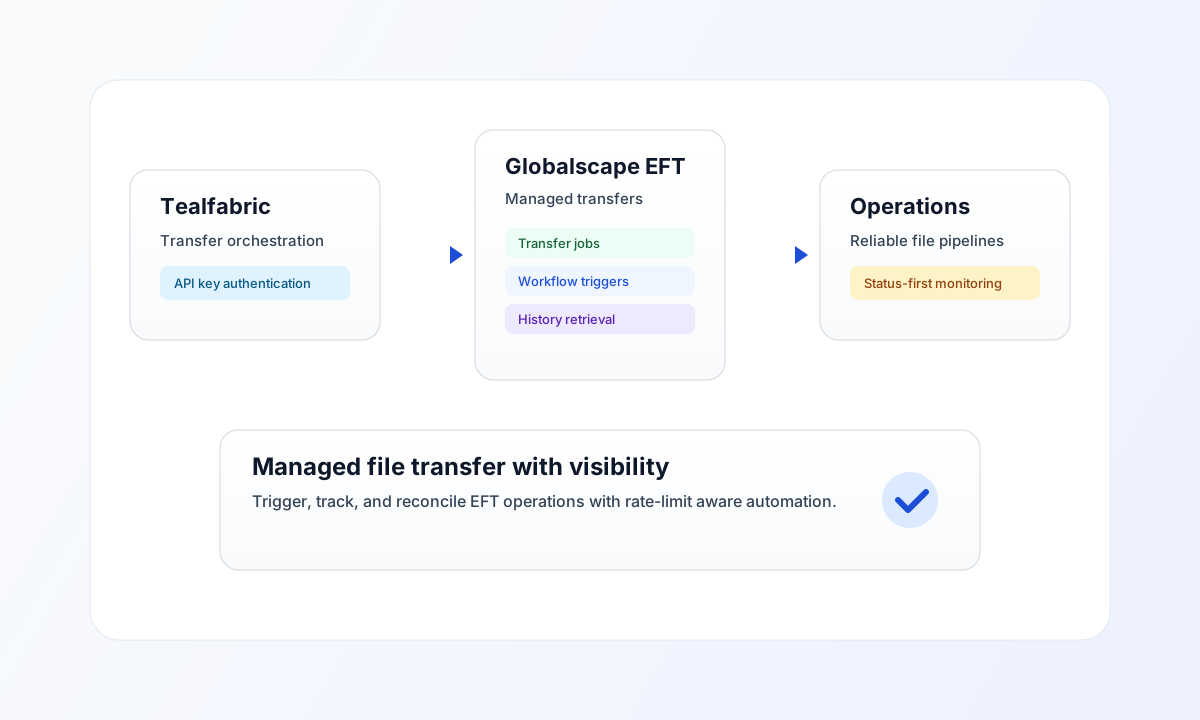
Use this connector to integrate Tealfabric workflows with Globalscape EFT (Enhanced File Transfer) for managed transfer operations, job status checks, and automation-aware file movement. It is designed for secure, API-key authenticated transfers in operational pipelines.
Connector setup
Configure base_url (for example https://your-instance.globalscape.com) and api_key in integration settings. Keep the API key in secure storage and rotate it regularly to reduce credential risk.
Set timeout_seconds based on expected transfer durations. Short values work for metadata calls, while transfer-heavy workloads may require longer limits to avoid unnecessary failures.
Operations
| Operation | Purpose |
|---|---|
send | Call a Globalscape EFT API path with a JSON body (default POST). Uses data when present, otherwise serializes the full call payload. |
receive | GET a Globalscape EFT API path with optional query parameters. Returns workflow_count and items from workflows, transfers, or the full response. |
execute | Call a Globalscape EFT API path with an explicit HTTP method (default GET) and optional body or data. |
test | Validates credentials via legacy GET api/workflows routing ({base_url}/api/api/workflows). Returns workflows_found in data.details. |
Endpoint paths are relative to {base_url}/api/ (do not repeat the api/ prefix except for the legacy test probe path above).
Code examples
const baseUrl = "https://api.example.com/api/v1";
const tenantId = "<TENANT_ID>";
const apiKey = "<API_KEY>";

type TransferRecord = { transfer_id?: string; status?: string; file_name?: string };

async function listTransfers(integrationId: string): Promise<TransferRecord[]> {
  const response = await fetch(`${baseUrl}/integrations/${encodeURIComponent(integrationId)}/execute`, {
    method: "POST",
    headers: {
      "X-API-Key": apiKey,
      "X-Tenant-ID": tenantId,
      "Content-Type": "application/json",
    },
    body: JSON.stringify({
      operation: "receive",
      endpoint: "transfers",
      query: { limit: 20, status: "completed" },
    }),
  });
  if (!response.ok) throw new Error(`Request failed: ${response.status}`);
  const payload = (await response.json()) as {
    success?: boolean;
    data?: { workflow_count?: number; items?: TransferRecord[] };
  };
  if (!payload.data?.items) throw new Error("Missing transfer history payload");
  return payload.data.items;
}
API request example
Use this request pattern to retrieve recent completed transfer history from Globalscape EFT.
curl -X POST "https://api.example.com/api/v1/integrations/<ENTITY_ID>/execute" \
  -H "X-API-Key: <API_KEY>" \
  -H "X-Tenant-ID: <TENANT_ID>" \
  -H "Content-Type: application/json" \
  -d '{
    "operation": "receive",
    "endpoint": "transfers",
    "query": {
      "limit": 20,
      "status": "completed"
    }
  }'
{
  "success": true,
  "data": {
    "message": "Globalscape EFT data retrieved successfully",
    "workflow_count": 1,
    "items": [
      {
        "transfer_id": "<ENTITY_ID>",
        "status": "completed",
        "file_name": "daily-settlement.csv"
      }
    ]
  }
}
Reliability and troubleshooting
If requests fail with credential errors, verify base_url and API key validity first. If calls return 429, slow request frequency and apply exponential backoff retries instead of immediate repeats.
When transfer actions are long-running, execute them asynchronously and monitor status polling in ProcessFlow to keep user-facing flows responsive. Continue with Integration workers guide and Connectors architecture for scaling and runtime design guidance.