MuleSoft connector guide
Document information
- Canonical URL:
/docs/04_connecting-systems/connectors/m/mulesoft - Version:
2026-05-08 - Tags:
connectors,reference,mulesoft - Connector ID:
mulesoft-1.0.0
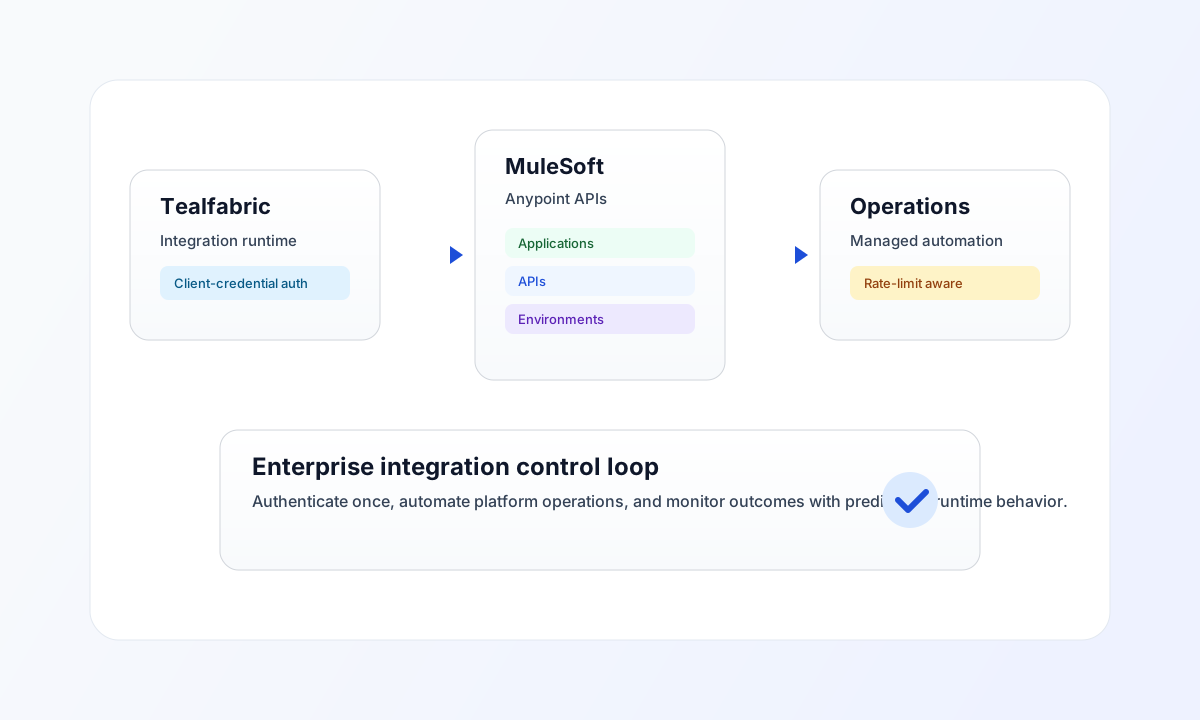
Use this connector to integrate Tealfabric workflows with MuleSoft Anypoint Platform for environment operations, API lifecycle tasks, and runtime automation. The connector uses OAuth2 client credentials and is designed for enterprise integration scenarios where controlled access and reliable execution are required.
Connector setup
Use connector ID mulesoft-1.0.0 and configure base_url, client_id, and client_secret from your Anypoint access management application. The connector requests and caches access tokens automatically (with expiry-based renewal), but access still depends on the permissions attached to your MuleSoft OAuth application.
Set base_url to your region-specific domain, such as https://anypoint.mulesoft.com or https://eu1.anypoint.mulesoft.com. If operations include deployment or large responses, tune timeout_seconds to match realistic execution time in your environment.
Operations
| Operation | Purpose |
|---|---|
send | HTTP request to {base_url}/{endpoint} (default method POST). Body from data when present, otherwise the full call payload (legacy data ?? input). |
receive | GET {base_url}/{endpoint} with optional query. Returns application_count and items from data when present (isset semantics), otherwise a single-item array wrapping the response. |
execute | HTTP request to {base_url}/{endpoint} with explicit method (default GET). Body from body or data (default []). |
test | OAuth token + GET accounts/api/me. Validates required config and returns organization name in data.details. |
Endpoint paths are relative to base_url (no leading slash required).
Code examples
The examples below show retrieving CloudHub applications through a connector execution call.
const baseUrl = "https://api.example.com/api/v1";
const tenantId = "<TENANT_ID>";
const apiKey = "<API_KEY>";

type MuleApplication = { name?: string; status?: string; workers?: number };

async function listMuleApplications(integrationId: string): Promise<MuleApplication[]> {
  const response = await fetch(`${baseUrl}/integrations/${encodeURIComponent(integrationId)}/execute`, {
    method: "POST",
    headers: {
      "X-API-Key": apiKey,
      "X-Tenant-ID": tenantId,
      "Content-Type": "application/json",
    },
    body: JSON.stringify({
      operation: "receive",
      endpoint: "cloudhub/api/v2/applications",
      query: { limit: 20 },
    }),
  });
  if (!response.ok) throw new Error(`Request failed: ${response.status}`);
  const payload = (await response.json()) as {
    success?: boolean;
    data?: { application_count?: number; items?: MuleApplication[] };
  };
  if (!payload.data?.items) throw new Error("Missing MuleSoft application payload");
  return Array.isArray(payload.data.items) ? payload.data.items : [payload.data.items as MuleApplication];
}
API request example
Use this request pattern to test MuleSoft connectivity through the connector.
curl -X POST "https://api.example.com/api/v1/integrations/<ENTITY_ID>/execute" \
  -H "X-API-Key: <API_KEY>" \
  -H "X-Tenant-ID: <TENANT_ID>" \
  -H "Content-Type: application/json" \
  -d '{
    "operation": "test"
  }'
{
  "success": true,
  "data": {
    "message": "MuleSoft connection test successful",
    "details": {
      "base_url": "https://anypoint.mulesoft.com",
      "organization": "Example Org"
    }
  }
}
Reliability and troubleshooting
If requests fail with authentication or permission errors, confirm client_id and client_secret, then verify that the OAuth application has access to the target APIs and environments. If responses return 429, apply retry backoff and reduce burst traffic to respect platform rate limits.
For long-running deployment workflows, run integration calls asynchronously and monitor queue status to avoid blocking user-facing operations. Continue with Integration workers guide and Connectors architecture for runtime design guidance.