Trello connector guide
Document information
- Canonical URL:
/docs/04_connecting-systems/connectors/t/trello - Version:
2026-05-08 - Tags:
connectors,reference,trello
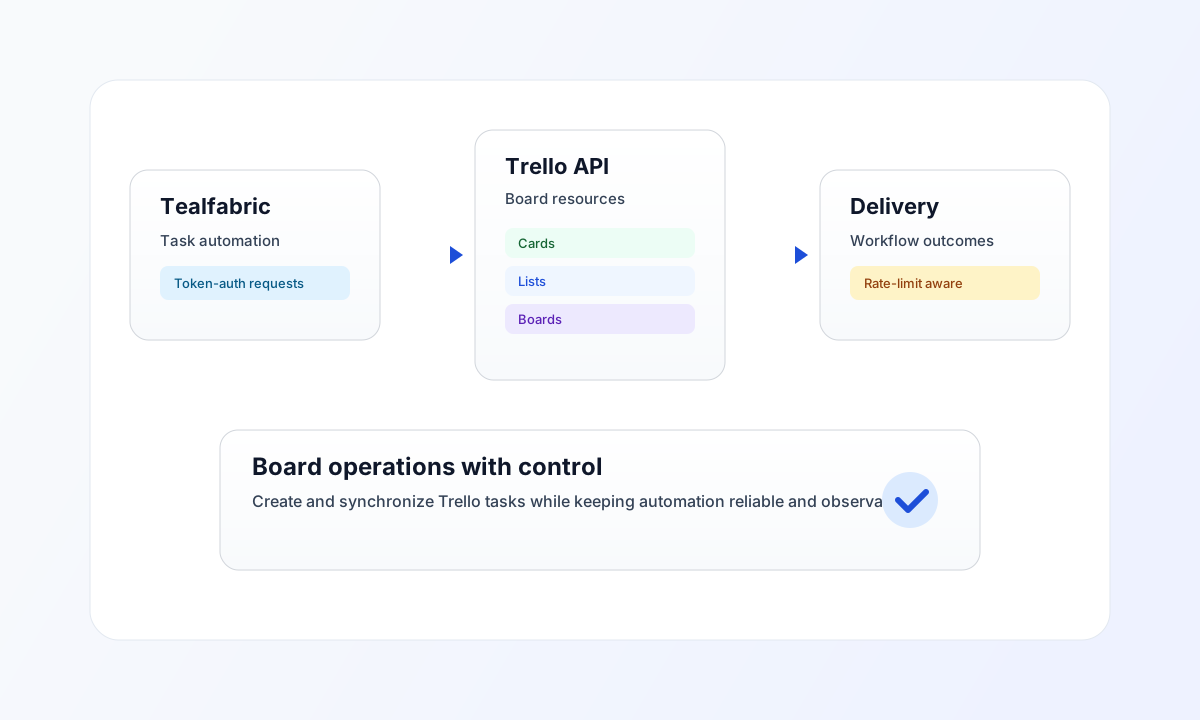
Use this connector to integrate Tealfabric workflows with Trello for board operations, card lifecycle automation, and task synchronization across teams. It supports OAuth2 token authorization with Trello key/token query authentication on each API call.
Connector ID: trello-1.0.0
Connector configuration
Configure client_id, client_secret, and redirect_uri from your Trello developer application settings. Store tokens securely in integration configuration and keep permission scope minimal for your workflow.
client_id(required fortest): Trello API key.client_secret(required fortest): OAuth client secret.redirect_uri(required fortest): OAuth callback URL.access_token(required for runtime operations): active OAuth token used as the Trellotokenquery parameter.refresh_token(optional): used to refreshaccess_tokenon HTTP 401.scope(optional): requested OAuth scopes.timeout_seconds(optional): request timeout; defaults to30.
The test operation validates client_id, client_secret, and redirect_uri, then probes GET members/me. Other operations require only a valid access_token (and use refresh_token on HTTP 401 when configured).
Use timeout_seconds for request tuning when processing larger board or card workloads.
Common Trello patterns
Use send to create or update cards and lists, and use receive to retrieve boards, lists, and card status views. For throughput-heavy automations, process in asynchronous steps and avoid large unfiltered board reads in single requests.
Use test before deployment so authentication and workspace access are validated before workflow execution begins.
Code examples
The examples below show an aligned pattern for creating a Trello card through connector execution.
const baseUrl = "https://api.example.com/api/v1";
const tenantId = "<TENANT_ID>";
const apiKey = "<API_KEY>";

type TrelloCard = { id?: string; name?: string; idList?: string };

async function createCard(integrationId: string, listId: string): Promise<TrelloCard> {
  const response = await fetch(`${baseUrl}/integrations/${encodeURIComponent(integrationId)}/execute`, {
    method: "POST",
    headers: {
      "X-API-Key": apiKey,
      "X-Tenant-ID": tenantId,
      "Content-Type": "application/json",
    },
    body: JSON.stringify({
      operation: "send",
      endpoint: "cards",
      method: "POST",
      data: {
        name: "Follow up customer request",
        desc: "Created from Tealfabric workflow.",
        idList: listId,
      },
    }),
  });
  if (!response.ok) throw new Error(`Request failed: ${response.status}`);
  const payload = (await response.json()) as {
    success?: boolean;
    data?: { data?: TrelloCard; response?: TrelloCard };
  };
  const card = payload.data?.data ?? payload.data?.response;
  if (!card) throw new Error("Missing Trello card payload");
  return card;
}
API request example
Use this request to create a card in a specific Trello list through the configured connector.
curl -X POST "https://api.example.com/api/v1/integrations/<ENTITY_ID>/execute" \
  -H "X-API-Key: <API_KEY>" \
  -H "X-Tenant-ID: <TENANT_ID>" \
  -H "Content-Type: application/json" \
  -d '{
    "operation": "send",
    "endpoint": "cards",
    "method": "POST",
    "data": {
      "name": "Follow up customer request",
      "desc": "Created from Tealfabric workflow.",
      "idList": "<ENTITY_ID>"
    }
  }'
{
  "success": true,
  "data": {
    "message_count": 1,
    "data": {
      "id": "<ENTITY_ID>",
      "name": "Follow up customer request",
      "idList": "<ENTITY_ID>"
    },
    "response": {
      "id": "<ENTITY_ID>",
      "name": "Follow up customer request",
      "idList": "<ENTITY_ID>"
    }
  }
}
Reliability and troubleshooting
If authentication fails, verify token validity and app permissions in Trello developer settings. If requests are throttled, reduce burst traffic and add exponential backoff retries instead of immediate repeats.
For large board automation, fetch only needed fields and run multi-step updates asynchronously to keep workflows responsive. Continue with Integration workers guide and Connectors architecture for runtime guidance.