InfluxDB Connector Guide
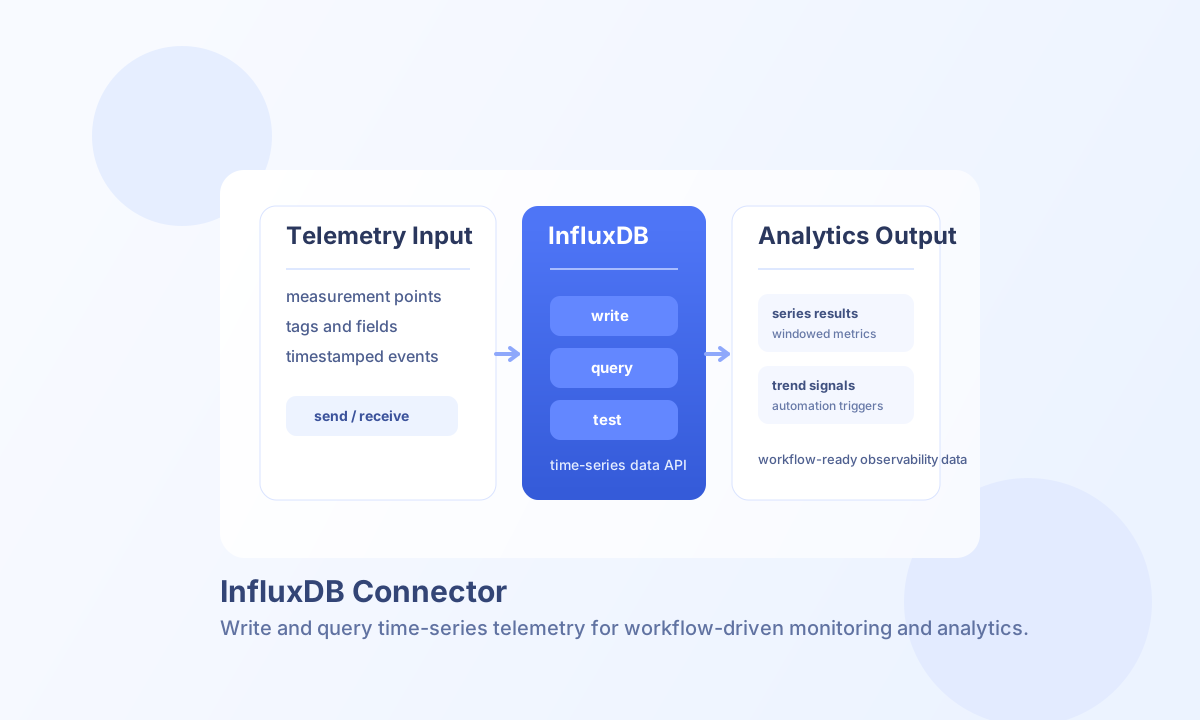
The InfluxDB connector lets Tealfabric workflows write and query time-series data in InfluxDB. It is useful for observability pipelines, metrics aggregation, IoT telemetry, and any workflow that needs timestamped data analysis.
Document information
| Field | Value |
|---|---|
| Canonical URL | /docs/04_connecting-systems/connectors/i/influxdb |
| Version (published date) | 2026-05-08 |
| Tags | connectors, reference, influxdb |
| Connector ID | influxdb-1.0.0 |
Configure InfluxDB access
Set endpoint_url to your InfluxDB server URL, provide a valid token, and configure organization and bucket for the data domain your workflow will use. These values are required for both write and read operations.
Use timeout_seconds to tune request behavior for large query windows or slow network paths. Run test after setup to confirm connectivity and token scope before enabling production schedules.
Write points with send
Use send to push measurements to InfluxDB, including fields, tags, and timestamps. Keep measurement names and tag keys consistent across workflows so Flux queries remain predictable.
const baseUrl = "https://api.example.com/api/v1";
const tenantId = "<TENANT_ID>";
const apiKey = "<API_KEY>";

async function writeCpuMetric(integrationId: string) {
  const response = await fetch(`${baseUrl}/integrations/${encodeURIComponent(integrationId)}/execute`, {
    method: "POST",
    headers: {
      "X-API-Key": apiKey,
      "X-Tenant-ID": tenantId,
      "Content-Type": "application/json",
    },
    body: JSON.stringify({
      operation: "send",
      measurement: "system_metrics",
      tags: {
        host: "app-server-01",
        region: "eu-west"
      },
      fields: {
        cpu_usage: 63.5,
        mem_usage: 71.2
      },
      timestamp: "2026-05-08T18:50:00Z"
    }),
  });
  if (!response.ok) throw new Error(`Request failed: ${response.status}`);
  return response.json();
}
curl -X POST "https://api.example.com/api/v1/integrations/<ENTITY_ID>/execute" \
-H "X-API-Key: <API_KEY>" \
-H "X-Tenant-ID: <TENANT_ID>" \
-H "Content-Type: application/json" \
-d '{
"operation": "send",
"measurement": "system_metrics",
"tags": {
"host": "app-server-01",
"region": "eu-west"
},
"fields": {
"cpu_usage": 63.5,
"mem_usage": 71.2
},
"timestamp": "2026-05-08T18:50:00Z"
}'
{
  "success": true,
  "message": "Point written successfully"
}
Query time-series data with receive
Use receive for Flux-based reads when workflows need historical metrics, trend calculations, or threshold checks. Keep query windows constrained and project only required columns for faster execution.
Reliability and best practices
Common failures include invalid tokens, incorrect organization or bucket names, and malformed Flux queries. Validate configuration values first when requests fail consistently.
For stable operation, apply retry logic for transient network issues, keep writes idempotent where possible, and monitor query cost for large time windows. This helps maintain predictable throughput and response times.