WhatsApp Business connector guide
Document information
| Field | Value |
|---|---|
| Canonical URL | /docs/04_connecting-systems/connectors/w/whatsapp-business |
| Version (published date) | 2026-05-08 |
| Tags | connectors, reference, whatsapp-business |
| Connector ID | whatsapp-business-1.0.0 |
Use this connector to integrate Tealfabric workflows with the WhatsApp Business Cloud API for transactional messaging, template delivery, and media-driven communication flows.
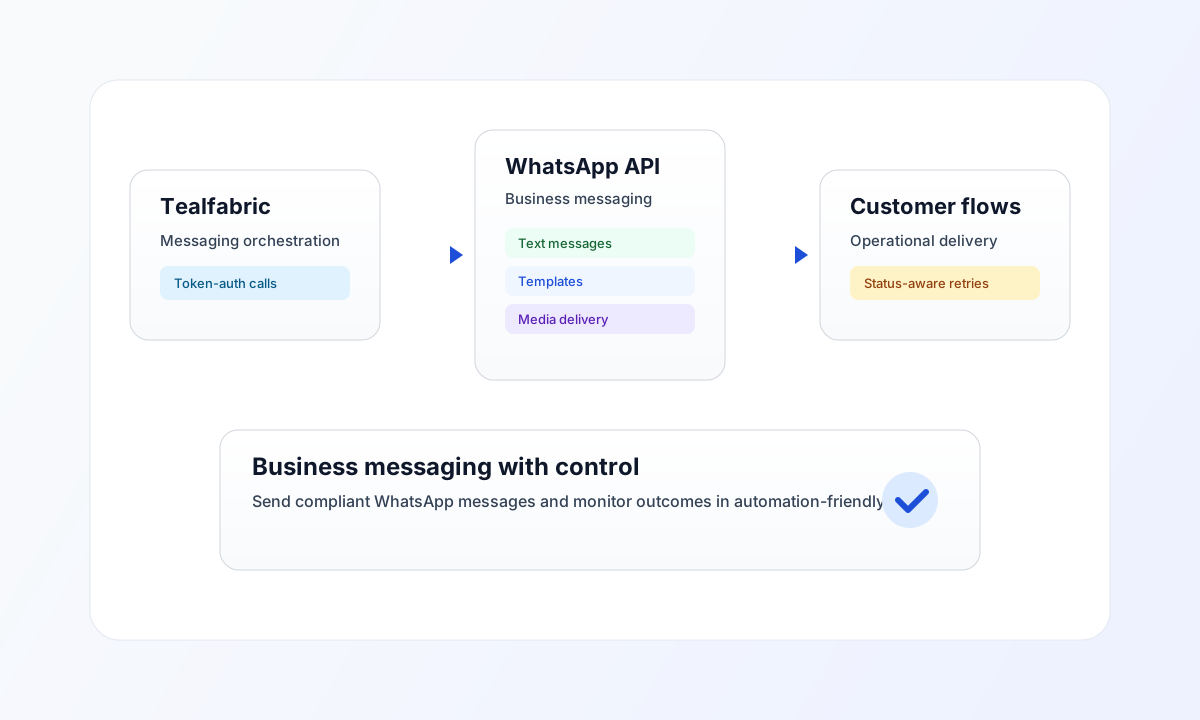
Prerequisites and configuration
Configure the integration with a Meta Graph API access token and the WhatsApp phone number ID used for outbound sends.
token(required): Meta Graph API access token. Sent asaccess_tokenquery parameter (legacy parity), not as a Bearer header.phone_number_id(required forsend): WhatsApp Business phone number ID from Meta developer console.base_url(optional): Graph API base URL. Defaulthttps://graph.facebook.com/v18.0.timeout_seconds(optional): Request timeout in seconds. Default30.
token, base_url, phone_number_id, and timeout_seconds are integration configuration—not per-call callData fields.
Send messages with send
send posts to {phone_number_id}/messages under the configured Graph API base. Provide message fields in data or body, or as top-level call fields (routing keys are stripped before POST).
const baseUrl = "https://api.example.com/api/v1";
const tenantId = "<TENANT_ID>";
const apiKey = "<API_KEY>";

async function sendWhatsAppMessage(integrationId: string, phoneNumberId: string) {
  const response = await fetch(`${baseUrl}/integrations/${encodeURIComponent(integrationId)}/execute`, {
    method: "POST",
    headers: {
      "X-API-Key": apiKey,
      "X-Tenant-ID": tenantId,
      "Content-Type": "application/json",
    },
    body: JSON.stringify({
      operation: "send",
      phone_number_id: phoneNumberId,
      data: {
        messaging_product: "whatsapp",
        to: "15551234567",
        type: "text",
        text: { body: "Hello from Tealfabric." },
      },
    }),
  });
  if (!response.ok) throw new Error(`Request failed: ${response.status}`);
  const payload = await response.json();
  if (!payload.success) throw new Error(payload.error?.message ?? "Send failed");
  return payload.data?.message_id ?? payload.data?.data?.messages?.[0]?.id;
}
Receive resources with receive
receive performs a GET against a Graph API path relative to base_url. Use endpoint or resource (default messages), optional resource_id/id, and query as an object or raw query string.
Test connection with test
test validates token and probes GET {phone_number_id} when configured, otherwise GET me.
Sync and batch
sync: optionaloutbound(send payload) and/orinbound(receive payload). Empty legs are skipped, matching legacy connector behavior.batch: sequential sends frommessagesoritems; per-item failures are recorded and processing continues.
API request example
curl -X POST "https://api.example.com/api/v1/integrations/<INTEGRATION_ID>/execute" \
  -H "X-API-Key: <API_KEY>" \
  -H "X-Tenant-ID: <TENANT_ID>" \
  -H "Content-Type: application/json" \
  -d '{
    "operation": "send",
    "phone_number_id": "<PHONE_NUMBER_ID>",
    "data": {
      "messaging_product": "whatsapp",
      "to": "15551234567",
      "type": "text",
      "text": {
        "body": "Hello from Tealfabric."
      }
    }
  }'
{
  "success": true,
  "data": {
    "message_count": 1,
    "message_id": "wamid.example",
    "data": {
      "messaging_product": "whatsapp",
      "contacts": [{ "input": "15551234567", "wa_id": "15551234567" }],
      "messages": [{ "id": "wamid.example" }]
    }
  }
}
Reliability and troubleshooting
If authentication fails, verify token validity and phone number ID binding in your Meta app configuration. If delivery fails, check E.164 formatting and ensure template requirements are met when sending outside the customer-service window.
The connector applies a local 100 requests/minute throttle before Graph API calls. For high-throughput campaigns, queue sends asynchronously and monitor HTTP 429 responses with retry backoff.