HubSpot Marketing API Connector Guide
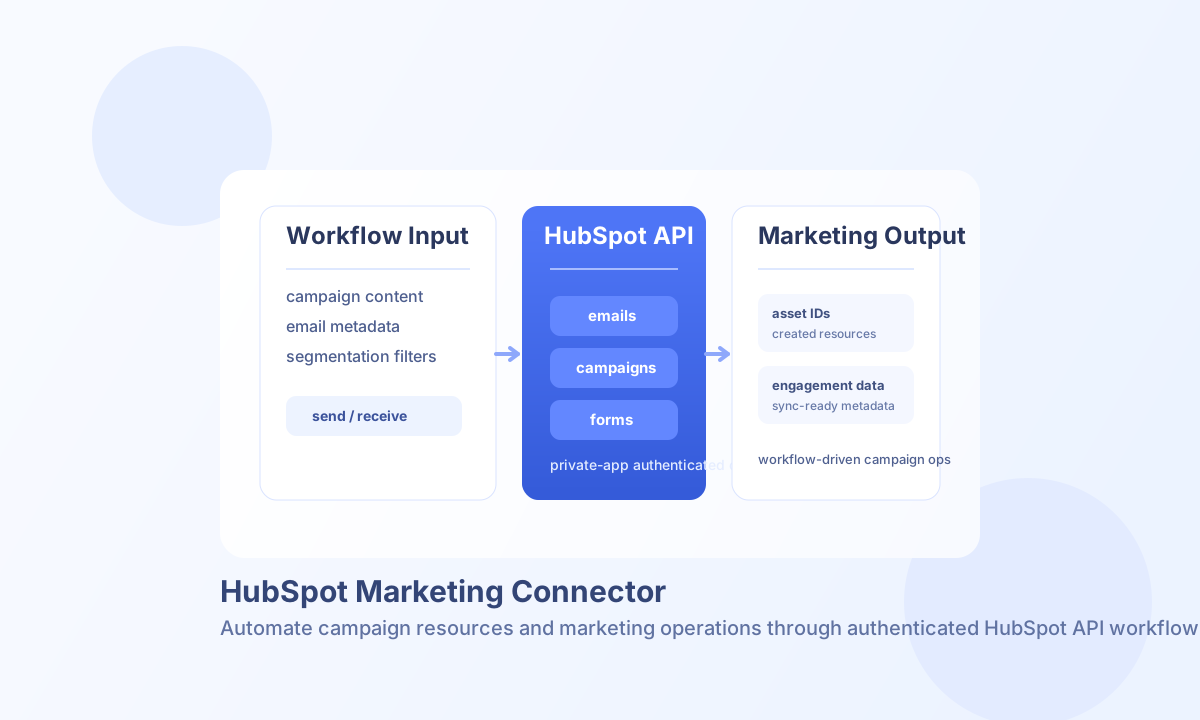
The HubSpot Marketing connector helps Tealfabric workflows create and retrieve marketing assets such as emails and campaigns. It is useful for campaign orchestration, marketing content automation, and synchronization between CRM and outbound engagement workflows.
Document information
| Field | Value |
|---|---|
| Canonical URL | /docs/04_connecting-systems/connectors/h/hubspot-marketing |
| Version (published date) | 2026-05-08 |
| Tags | connectors, reference, hubspot-marketing |
| Connector ID | hubspot-marketing-1.0.0 |
Configure HubSpot authentication
Set api_key to a HubSpot Private App access token with the scopes needed for your marketing endpoints. In most setups you can keep the default base_url (https://api.hubapi.com) and only adjust it for region-specific routing requirements.
test validates that api_key is present before calling HubSpot. Other operations (send, receive, sync, batch) use the configured key at request time, matching legacy connector behavior.
Use timeout_seconds for slower marketing operations, and validate connectivity with test before production runs. If your environment uses additional shared secret handling, store those values only in secure connector configuration.
Create and update assets with send
Use send for write operations such as creating marketing emails, creating campaigns, or updating existing resources. Include endpoint path, HTTP method, and payload fields that match the HubSpot Marketing API schema.
const baseUrl = "https://api.example.com/api/v1";
const tenantId = "<TENANT_ID>";
const apiKey = "<API_KEY>";

async function createMarketingEmail(integrationId: string) {
  const response = await fetch(`${baseUrl}/integrations/${encodeURIComponent(integrationId)}/execute`, {
    method: "POST",
    headers: {
      "X-API-Key": apiKey,
      "X-Tenant-ID": tenantId,
      "Content-Type": "application/json",
    },
    body: JSON.stringify({
      operation: "send",
      endpoint: "marketing/v3/emails",
      method: "POST",
      data: {
        name: "Product Update - May",
        emailType: "REGULAR",
        subject: "What is new this month",
        htmlContent: "<html><body><h1>May updates</h1><p>See the latest improvements.</p></body></html>",
        textContent: "May updates: see the latest improvements."
      }
    }),
  });
  if (!response.ok) throw new Error(`Request failed: ${response.status}`);
  return response.json();
}
curl -X POST "https://api.example.com/api/v1/integrations/<ENTITY_ID>/execute" \
-H "X-API-Key: <API_KEY>" \
-H "X-Tenant-ID: <TENANT_ID>" \
-H "Content-Type: application/json" \
-d '{
"operation": "send",
"endpoint": "marketing/v3/emails",
"method": "POST",
"data": {
"name": "Product Update - May",
"emailType": "REGULAR",
"subject": "What is new this month",
"htmlContent": "<html><body><h1>May updates</h1><p>See the latest improvements.</p></body></html>",
"textContent": "May updates: see the latest improvements."
}
}'
{
  "success": true,
  "data": {
    "message_count": 1,
    "data": {
      "id": "<ENTITY_ID>",
      "name": "Product Update - May",
      "emailType": "REGULAR"
    },
    "response": {
      "id": "<ENTITY_ID>",
      "name": "Product Update - May",
      "emailType": "REGULAR"
    }
  }
}
Retrieve marketing resources with receive
Use receive for listing or reading emails, campaigns, and other marketing assets. Use pagination (limit, offset) and endpoint-specific filters to keep payloads small and improve workflow performance.
{
  "success": true,
  "data": {
    "message_count": 2,
    "data": [
      { "id": "<ENTITY_ID>", "name": "Spring Campaign" },
      { "id": "<ENTITY_ID>", "name": "Product Launch" }
    ],
    "total_size": 2
  }
}
Operational guidance
Authentication failures typically indicate expired or under-scoped private app tokens. Confirm app scopes and token validity whenever operations that previously worked begin returning permission errors.
HubSpot applies API rate limits, so use retry/backoff logic and paced batch execution for high-volume marketing jobs. Structured error handling and pagination are the fastest way to keep sync workflows reliable.