CSV File Connector Guide
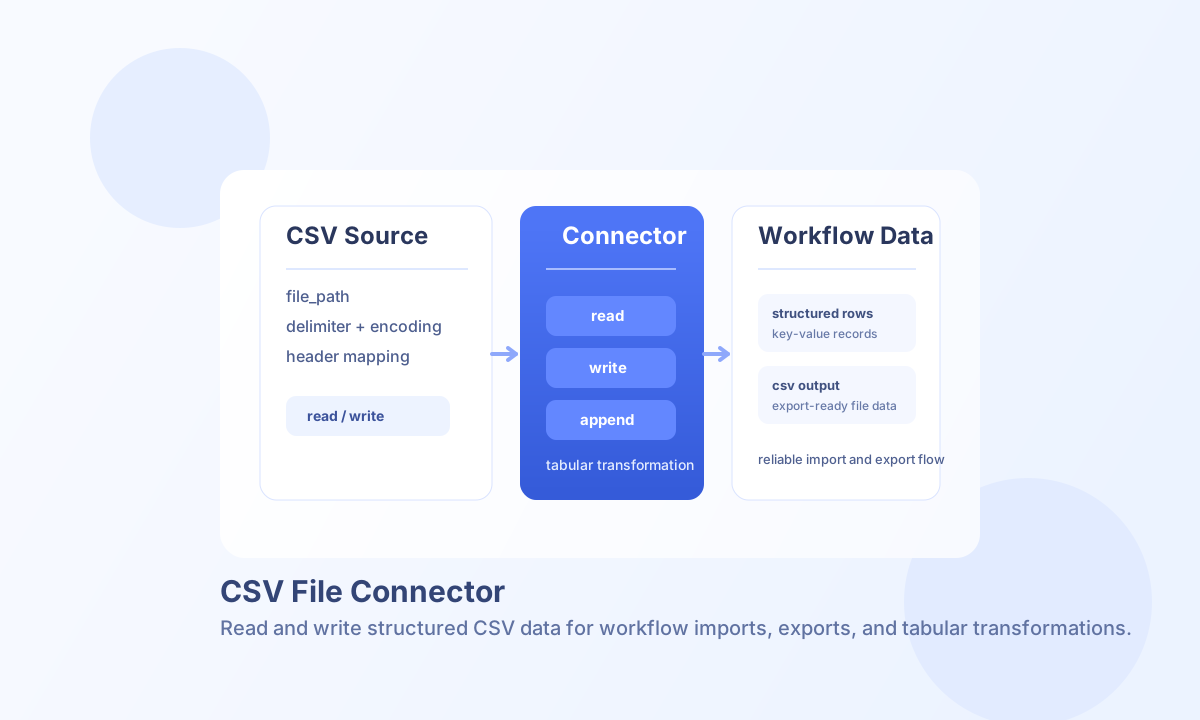
The CSV File connector helps you read, write, append, parse, and generate CSV datasets inside Tealfabric workflows. It is useful for importing structured records, producing export files, and converting table-shaped data between file and in-memory formats.
Document information
| Field | Value |
|---|---|
| Canonical URL | /docs/04_connecting-systems/connectors/c/csv-file |
| Version (published date) | 2026-05-08 |
| Tags | connectors, reference, csv-file |
| Connector ID | csv-file-1.0.0 |
Configuration
Set these parameters on the integration (not in per-call callData):
| Parameter | Required | Default | Description |
|---|---|---|---|
file_path | yes | — | Path to the CSV file, relative to the tenant data directory (storage/tenantdata/<TENANT_ID>/). An absolute path is accepted only when it stays inside that directory |
delimiter | no | , | Field delimiter |
enclosure | no | " | Field enclosure character |
escape | no | \ | Escape character (used by read/parse) |
has_header | no | true | Treat first row as column names |
encoding | no | UTF-8 | File encoding for read (decode via TextDecoder; write still emits UTF-8) |
Relative file_path values resolve under the tenant data directory, {STORAGE_ROOT}/{TENANTDATA_DIR}/<TENANT_ID>/ (default storage/tenantdata/<TENANT_ID>/). A path that resolves outside that directory is rejected. parse and convert do not touch the file.
test is the only operation that validates file_path up front and returns Configuration validation failed when it is missing. Other file operations resolve file_path before reading or writing.
Read records with read
Use read to load CSV rows into workflow data. Optional limit, offset (data rows after header), and columns filters are supported.
const baseUrl = "https://api.example.com/api/v1";
const tenantId = "<TENANT_ID>";
const apiKey = "<API_KEY>";

async function readOrdersCsv(integrationId: string) {
  const response = await fetch(`${baseUrl}/integrations/${encodeURIComponent(integrationId)}/execute`, {
    method: "POST",
    headers: {
      "X-API-Key": apiKey,
      "X-Tenant-ID": tenantId,
      "Content-Type": "application/json",
    },
    body: JSON.stringify({
      operation: "read",
      limit: 100,
      offset: 0,
    }),
  });
  if (!response.ok) throw new Error(`Request failed: ${response.status}`);
  return response.json();
}
curl -X POST "https://api.example.com/api/v1/integrations/<ENTITY_ID>/execute" \
-H "X-API-Key: <API_KEY>" \
-H "X-Tenant-ID: <TENANT_ID>" \
-H "Content-Type: application/json" \
-d '{"operation":"read","limit":100}'
{
  "success": true,
  "data": {
    "message": "CSV file read successfully",
    "row_count": 2,
    "headers": ["order_id", "customer", "total"],
    "rows": [
      {"order_id": "1001", "customer": "Acme Corp", "total": "129.50"},
      {"order_id": "1002", "customer": "Northwind", "total": "78.00"}
    ]
  }
}
Write records with write
Use write to create or replace CSV content. Pass rows (or data) and optional headers when has_header is true.
{
  "success": true,
  "data": {
    "message": "CSV file written successfully",
    "row_count": 2,
    "file_path": "/path/to/storage/tenantdata/<TENANT_ID>/exports/orders.csv"
  }
}
Additional operations
| Operation | Purpose |
|---|---|
append | Add rows; creates the file via write when missing |
parse | Parse in-memory csv_string / data into headers + rows |
convert | Build a csv_string from row arrays/objects (no file write) |
test | Verify file readability or parent-directory writability |
Test connection
test checks that an existing file_path is readable, or that the parent directory exists and is writable when the file does not yet exist.
{
  "success": true,
  "data": {
    "message": "CSV file connector test successful",
    "details": {
      "file_path": "/path/to/storage/tenantdata/<TENANT_ID>/exports/orders.csv",
      "file_exists": true,
      "file_size": 128
    }
  }
}
Most failures come from inaccessible file paths, mismatched delimiter or encoding settings, and malformed row structures. Validate path permissions first, keep format options consistent between read and write steps, and run test before production schedules.