Desk.com API Connector Guide
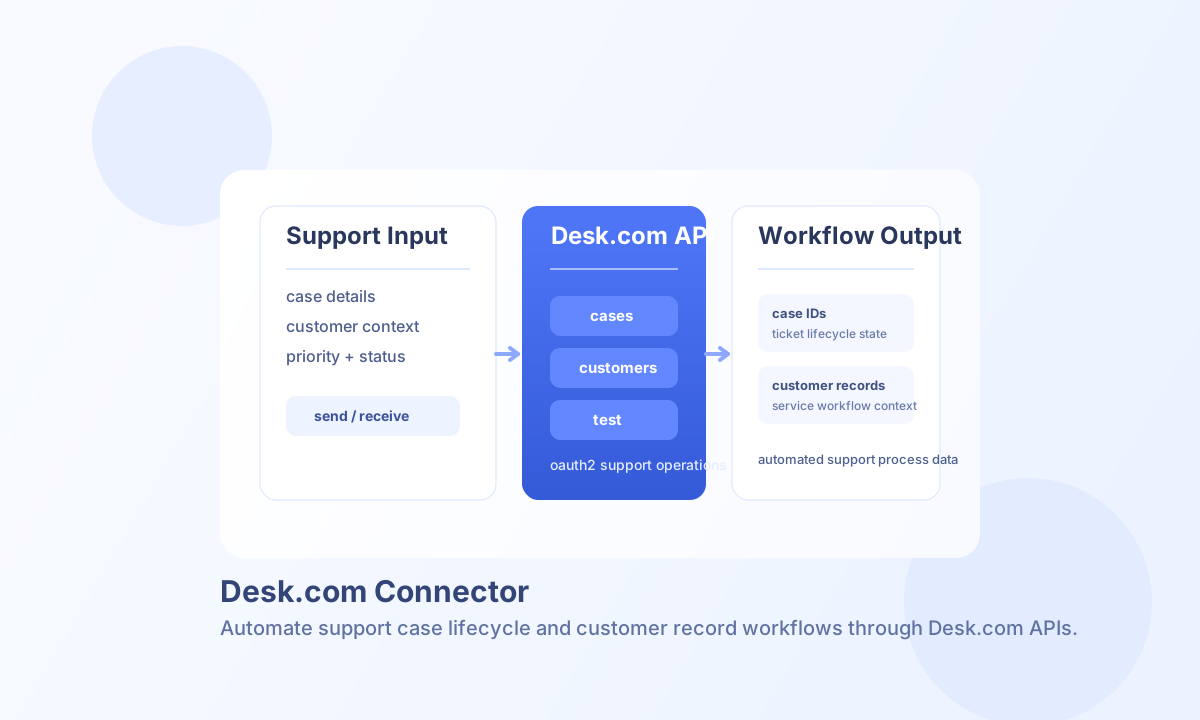
The Desk.com connector lets Tealfabric workflows create, update, and retrieve support records such as cases and customers. It is useful for ticket automation, service operations sync, and customer support workflow orchestration.
Document information
| Field | Value |
|---|---|
| Canonical URL | /docs/04_connecting-systems/connectors/d/desk-com |
| Version (published date) | 2026-05-08 |
| Tags | connectors, reference, desk-com |
| Connector ID | desk-com-1.0.0 |
Configure OAuth access
Set client_id, client_secret, redirect_uri, and site based on your Desk.com app settings. After authorization, store access_token and refresh_token in connector configuration so workflows can run without interactive re-login.
test validates OAuth configuration (client_id, client_secret, redirect_uri, and site) before calling Desk.com. Other operations (send, receive, sync, batch) require a valid access_token and can run with existing tokens in legacy-compatible flows.
Use timeout_seconds for slower case or customer list operations and validate refresh-token handling as part of rollout checks.
Create and update support records with send
Use send for write operations such as creating cases or updating existing case status and priority. Include endpoint, method, and payload fields that match Desk.com API schema requirements.
const baseUrl = "https://api.example.com/api/v1";
const tenantId = "<TENANT_ID>";
const apiKey = "<API_KEY>";

async function createSupportCase(integrationId: string) {
  const response = await fetch(`${baseUrl}/integrations/${encodeURIComponent(integrationId)}/execute`, {
    method: "POST",
    headers: {
      "X-API-Key": apiKey,
      "X-Tenant-ID": tenantId,
      "Content-Type": "application/json",
    },
    body: JSON.stringify({
      operation: "send",
      endpoint: "api/v2/cases",
      method: "POST",
      data: {
        subject: "Customer cannot access billing portal",
        description: "Customer reports 403 after login.",
        priority: 4,
        status: "new",
        customer: {
          email: "customer@example.com"
        }
      }
    }),
  });
  if (!response.ok) throw new Error(`Request failed: ${response.status}`);
  return response.json();
}
curl -X POST "https://api.example.com/api/v1/integrations/<ENTITY_ID>/execute" \
-H "X-API-Key: <API_KEY>" \
-H "X-Tenant-ID: <TENANT_ID>" \
-H "Content-Type: application/json" \
-d '{
"operation": "send",
"endpoint": "api/v2/cases",
"method": "POST",
"data": {
"subject": "Customer cannot access billing portal",
"description": "Customer reports 403 after login.",
"priority": 4,
"status": "new",
"customer": {
"email": "customer@example.com"
}
}
}'
{
  "success": true,
  "data": {
    "id": "<ENTITY_ID>",
    "subject": "Customer cannot access billing portal",
    "status": "new"
  }
}
Retrieve support data with receive
Use receive to list or fetch individual cases, customers, and related support resources. Apply pagination (per_page, page) and status filters to keep responses lightweight and workflow-friendly.
For list endpoints, the connector returns _embedded.entries when Desk.com uses HAL-style payloads. If an endpoint returns a top-level JSON array instead, the connector returns that array directly in data.
{
  "success": true,
  "data": {
    "message_count": 2,
    "data": [
      { "id": "101", "status": "new" },
      { "id": "102", "status": "open" }
    ],
    "total_size": 2
  }
}
Operational guidance
Authentication failures usually indicate expired access tokens or invalid OAuth app configuration. Verify redirect URI and token scope whenever the connector loses access unexpectedly.
Desk.com API limits should be handled with request pacing and retry/backoff logic for large synchronization workloads. Structured error handling and filtered fetches improve reliability and performance.