Datadog connector guide
Document information
- Canonical URL:
/docs/04_connecting-systems/connectors/d/datadog - Version:
2026-05-08 - Tags:
connectors,reference,datadog
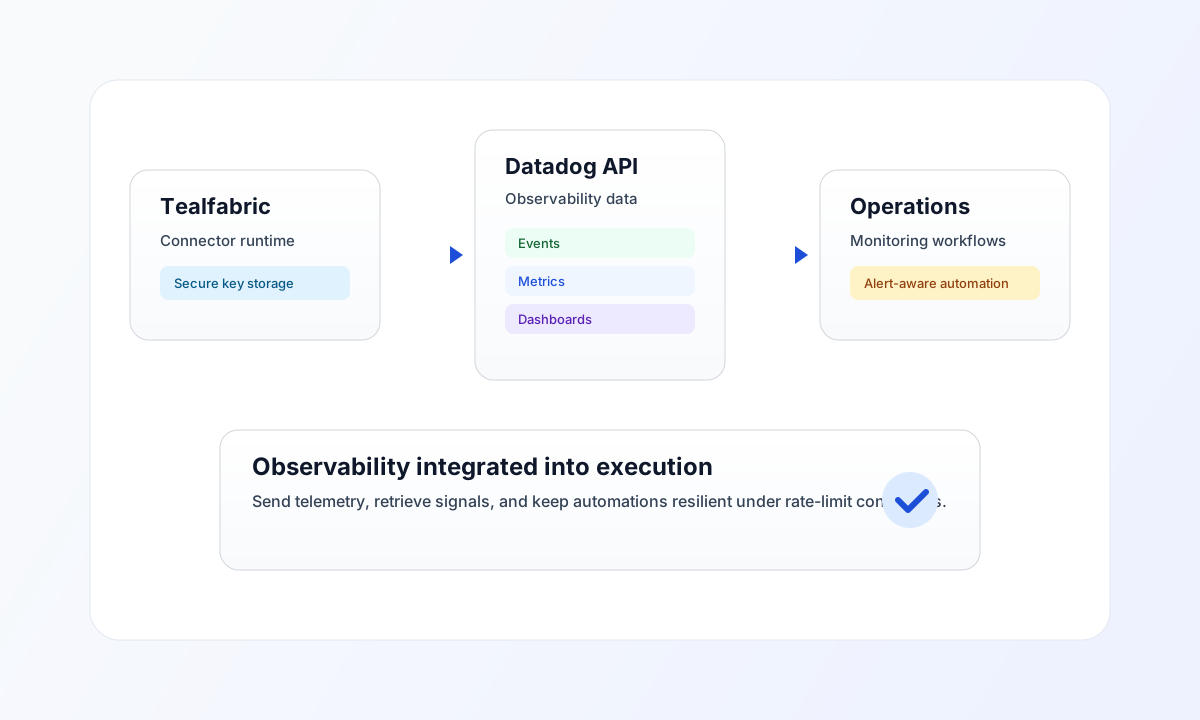
Use this connector to send and retrieve observability data in Datadog from Tealfabric workflows. It is suitable for operational monitoring use cases such as custom event ingestion, metric checks, and dashboard-related data lookups.
Connector configuration
Use connector ID datadog-1.0.0 and configure both api_key and application_key as secure integration parameters. These keys should be treated as credentials and rotated regularly through your standard secret-management process.
Set site to your Datadog region domain, such as datadoghq.com or datadoghq.eu, so API requests route correctly. Use timeout_seconds to control request behavior when pipelines depend on external observability queries.
Operation model
Use send to push telemetry (for example, events and custom metrics) and receive to query existing Datadog data. Use test first when onboarding an environment so you can confirm credential validity and endpoint reachability before production runs.
If you process high-frequency telemetry, expect API rate limiting and design retries with exponential backoff. This keeps automation stable when bursts exceed the available request budget.
Code examples
The snippets below show an aligned pattern for sending an event payload through a Datadog connector execution call.
const baseUrl = "https://api.example.com/api/v1";
const tenantId = "<TENANT_ID>";
const apiKey = "<API_KEY>";

type SendResult = { status?: string; event?: { id?: number } };

async function sendDatadogEvent(integrationId: string): Promise<SendResult> {
  const response = await fetch(`${baseUrl}/integrations/${encodeURIComponent(integrationId)}/execute`, {
    method: "POST",
    headers: {
      "X-API-Key": apiKey,
      "X-Tenant-ID": tenantId,
      "Content-Type": "application/json",
    },
    body: JSON.stringify({
      operation: "send",
      endpoint: "api/v1/events",
      data: {
        title: "ProcessFlow deployment completed",
        text: "Deployment pipeline finished successfully.",
        tags: ["env:prod", "service:processflow"],
      },
    }),
  });
  if (!response.ok) throw new Error(`Request failed: ${response.status}`);
  const payload = (await response.json()) as { data?: SendResult };
  if (!payload.data) throw new Error("Missing Datadog response payload");
  return payload.data;
}
API request example
Use this request pattern to send an event to Datadog through the configured connector.
curl -X POST "https://api.example.com/api/v1/integrations/<ENTITY_ID>/execute" \
  -H "X-API-Key: <API_KEY>" \
  -H "X-Tenant-ID: <TENANT_ID>" \
  -H "Content-Type: application/json" \
  -d '{
    "operation": "send",
    "endpoint": "api/v1/events",
    "data": {
      "title": "ProcessFlow deployment completed",
      "text": "Deployment pipeline finished successfully.",
      "tags": ["env:prod", "service:processflow"]
    }
  }'
{
  "success": true,
  "data": {
    "status": "ok",
    "event": {
      "id": 1234567890
    }
  }
}
Reliability and troubleshooting
If requests fail with 401 or 403, verify API and application keys plus Datadog site configuration. If responses include 429, reduce request bursts and apply retries with backoff rather than immediate loops.
For production resilience, test connection during deployment validation and monitor error rates as a first-class signal in your workflow health checks. Continue with Integration workers guide and OAuth2 authentication guide for broader runtime and auth patterns.