Box API Connector Guide
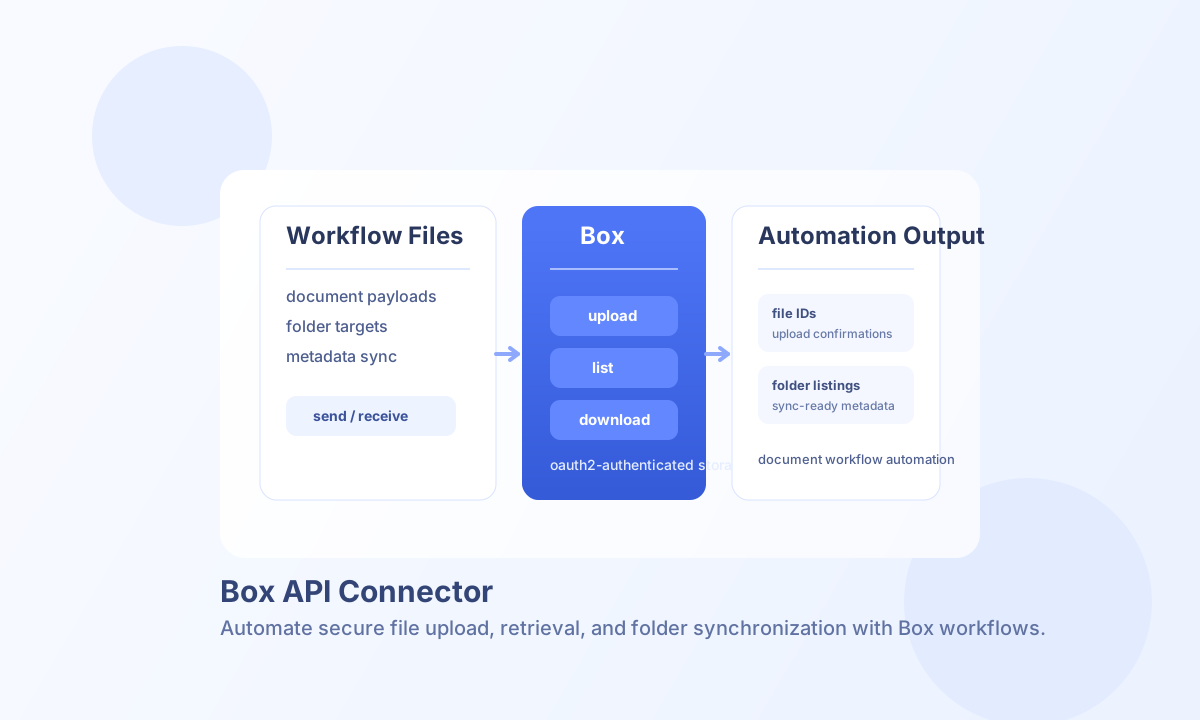
The Box API connector lets Tealfabric workflows upload, retrieve, and manage files and folders in Box. It is useful for document intake, approval pipelines, archive workflows, and secure file exchange automations.
Document information
| Field | Value |
|---|---|
| Canonical URL | /docs/04_connecting-systems/connectors/b/box |
| Version (published date) | 2026-05-08 |
| Tags | connectors, reference, box |
| Connector ID | box-1.0.0 |
Configure Box OAuth access
Set client_id, client_secret, and redirect_uri from your Box application settings. After OAuth authorization, store access_token and refresh_token in connector configuration so workflows can execute API requests without manual re-authentication.
Use scope to limit permissions to the minimum required for your workflow, and set timeout_seconds based on expected file size and network conditions. Run test after configuration to confirm account connectivity.
Upload files with send
Use send to upload files to root (folder_id: "0") or to a specific Box folder. Include file name, content, and content type so files are correctly represented in Box and downstream tools.
Upload size limits
| Limit | Value | Notes |
|---|---|---|
| Simple multipart upload | Up to 1 GB per file | Single-request upload to Box |
| ≥ 1 GB | Not supported | Requires Box chunked upload API (not implemented in this connector) |
Increase timeout_seconds for large files within the 1 GB cap.
const baseUrl = "https://api.example.com/api/v1";
const tenantId = "<TENANT_ID>";
const apiKey = "<API_KEY>";

async function uploadInvoicePdf(integrationId: string) {
  const response = await fetch(`${baseUrl}/integrations/${encodeURIComponent(integrationId)}/execute`, {
    method: "POST",
    headers: {
      "X-API-Key": apiKey,
      "X-Tenant-ID": tenantId,
      "Content-Type": "application/json",
    },
    body: JSON.stringify({
      operation: "send",
      folder_id: "0",
      file_name: "invoice-2026-05.pdf",
      content: "<ENTITY_ID>",
      encoding: "base64",
      content_type: "application/pdf"
    }),
  });
  if (!response.ok) throw new Error(`Request failed: ${response.status}`);
  return response.json();
}
curl -X POST "https://api.example.com/api/v1/integrations/<ENTITY_ID>/execute" \
-H "X-API-Key: <API_KEY>" \
-H "X-Tenant-ID: <TENANT_ID>" \
-H "Content-Type: application/json" \
-d '{
"operation": "send",
"folder_id": "0",
"file_name": "invoice-2026-05.pdf",
"content": "<ENTITY_ID>",
"encoding": "base64",
"content_type": "application/pdf"
}'
{
  "success": true,
  "data": {
    "id": "<ENTITY_ID>",
    "name": "invoice-2026-05.pdf",
    "size": 148203
  }
}
Retrieve file or folder content with receive
Use receive with file_id to download a file, or with folder_id to list folder entries with pagination. This allows workflows to process individual documents or synchronize directory-level metadata.
Operational guidance
For OAuth reliability, refresh tokens should be rotated and stored securely according to your security policy. Authentication failures typically indicate expired tokens or mismatched redirect URI settings in your Box app configuration.
For larger datasets, use pagination (limit, offset) and apply request pacing to handle API throttling gracefully. If files are large, consider chunked upload strategies to keep operations stable.