YouTube connector guide
Document information
- Canonical URL:
/docs/04_connecting-systems/connectors/y/youtube - Version:
2026-05-08 - Tags:
connectors,reference,youtube
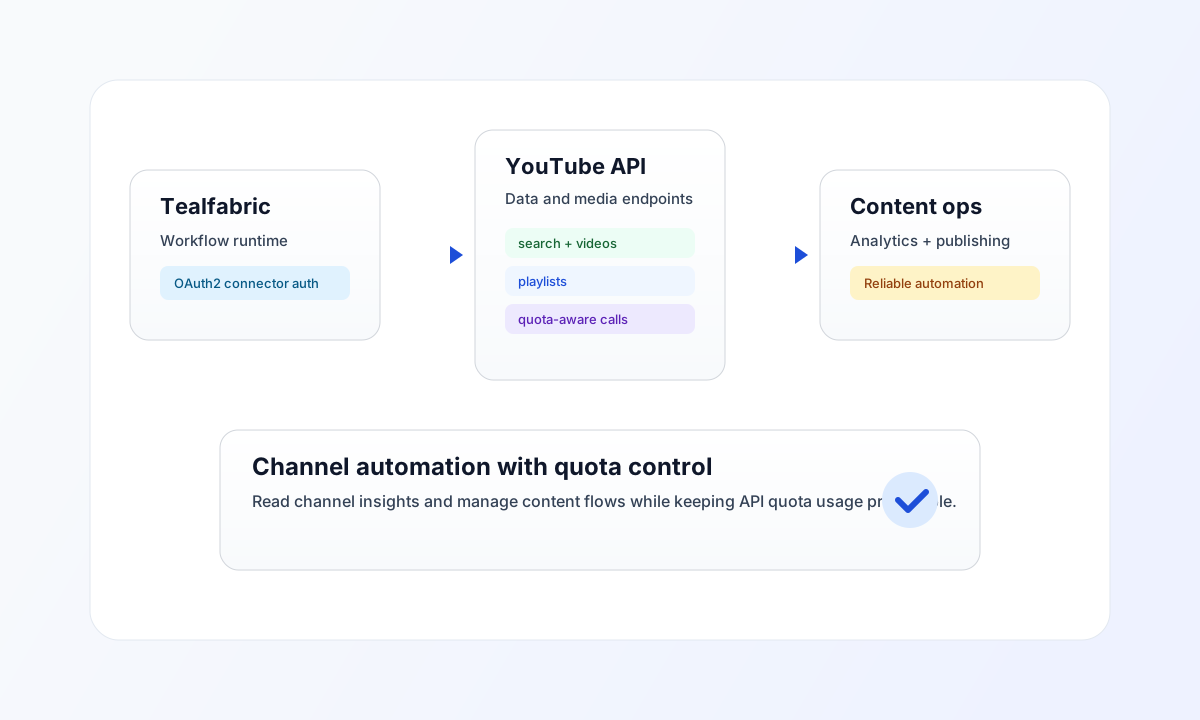
Use this connector to integrate Tealfabric workflows with YouTube Data API v3 for channel analytics, video management, and playlist automation. It uses OAuth2 and supports both read-heavy and publish-related operations.
Connector setup
Use connector ID youtube-1.0.0 and configure client_id, client_secret, and redirect_uri from your Google Cloud OAuth application. After authorization, store access_token and refresh_token in the integration configuration so the connector can maintain session continuity.
Request only scopes needed for your workflow, such as read-only access for analytics or upload access for publishing. This keeps permissions minimal and reduces security exposure in production.
Common YouTube patterns
Use receive for listing videos, channel resources, and performance views. Use send for create or update operations such as playlist creation, metadata updates, or upload flows where supported by your integration context.
YouTube API quota is finite per project, so optimize requests with focused part values and filtered queries. For recurring jobs, schedule async execution and monitor quota usage to avoid unexpected throttling.
Code examples
The examples below show an aligned pattern for listing recent channel videos through a connector execution request. Connector responses use the backend-next envelope: top-level success and a data object containing message_count, data (record array), and total_size for receive.
const baseUrl = "https://api.example.com/api/v1";
const tenantId = "<TENANT_ID>";
const apiKey = "<API_KEY>";

type YoutubeVideo = { id?: { videoId?: string }; snippet?: { title?: string } };

async function listChannelVideos(integrationId: string, channelId: string): Promise<YoutubeVideo[]> {
  const response = await fetch(`${baseUrl}/integrations/${encodeURIComponent(integrationId)}/execute`, {
    method: "POST",
    headers: {
      "X-API-Key": apiKey,
      "X-Tenant-ID": tenantId,
      "Content-Type": "application/json",
    },
    body: JSON.stringify({
      operation: "receive",
      endpoint: "search",
      query: {
        part: "snippet",
        channelId,
        type: "video",
        order: "date",
        maxResults: 10,
      },
    }),
  });
  if (!response.ok) throw new Error(`Request failed: ${response.status}`);
  const payload = (await response.json()) as {
    success?: boolean;
    data?: { data?: YoutubeVideo[]; message_count?: number };
  };
  if (!payload.success || !payload.data?.data) throw new Error("Missing YouTube response payload");
  return payload.data.data;
}
API request example
Use this request pattern to query the latest videos from a specific YouTube channel.
curl -X POST "https://api.example.com/api/v1/integrations/<ENTITY_ID>/execute" \
  -H "X-API-Key: <API_KEY>" \
  -H "X-Tenant-ID: <TENANT_ID>" \
  -H "Content-Type: application/json" \
  -d '{
    "operation": "receive",
    "endpoint": "search",
    "query": {
      "part": "snippet",
      "channelId": "<ENTITY_ID>",
      "type": "video",
      "order": "date",
      "maxResults": 10
    }
  }'
{
  "success": true,
  "data": {
    "message_count": 1,
    "total_size": 1,
    "data": [
      {
        "id": {
          "videoId": "<ENTITY_ID>"
        },
        "snippet": {
          "title": "Weekly Product Update"
        }
      }
    ]
  }
}
test operation
The test operation validates OAuth app configuration (client_id, client_secret, redirect_uri) and confirms the access token by calling GET channels?part=snippet&mine=true. Runtime send, receive, sync, and batch operations require only a valid access_token (and refresh_token when token refresh is needed), matching legacy connector behavior.
Reliability and troubleshooting
If authentication fails, verify OAuth credentials, redirect URI, and granted scopes in Google Cloud Console. If quota errors occur, reduce request frequency, narrow part usage, and schedule heavy reads across off-peak windows.
For upload or publish workflows, validate write scopes and keep long-running media operations asynchronous to avoid blocking process execution. Continue with Google Cloud integrations and Integration workers guide for environment and scaling guidance.